Where You Put the Charging Dock Decides How Much Your Robot Actually Cleans
Charging is a floor-planning problem, not a battery problem. Moving docks to zone centroids recovered ~12% of effective runtime — often the difference between finishing the window and not.
By WhichBot Team
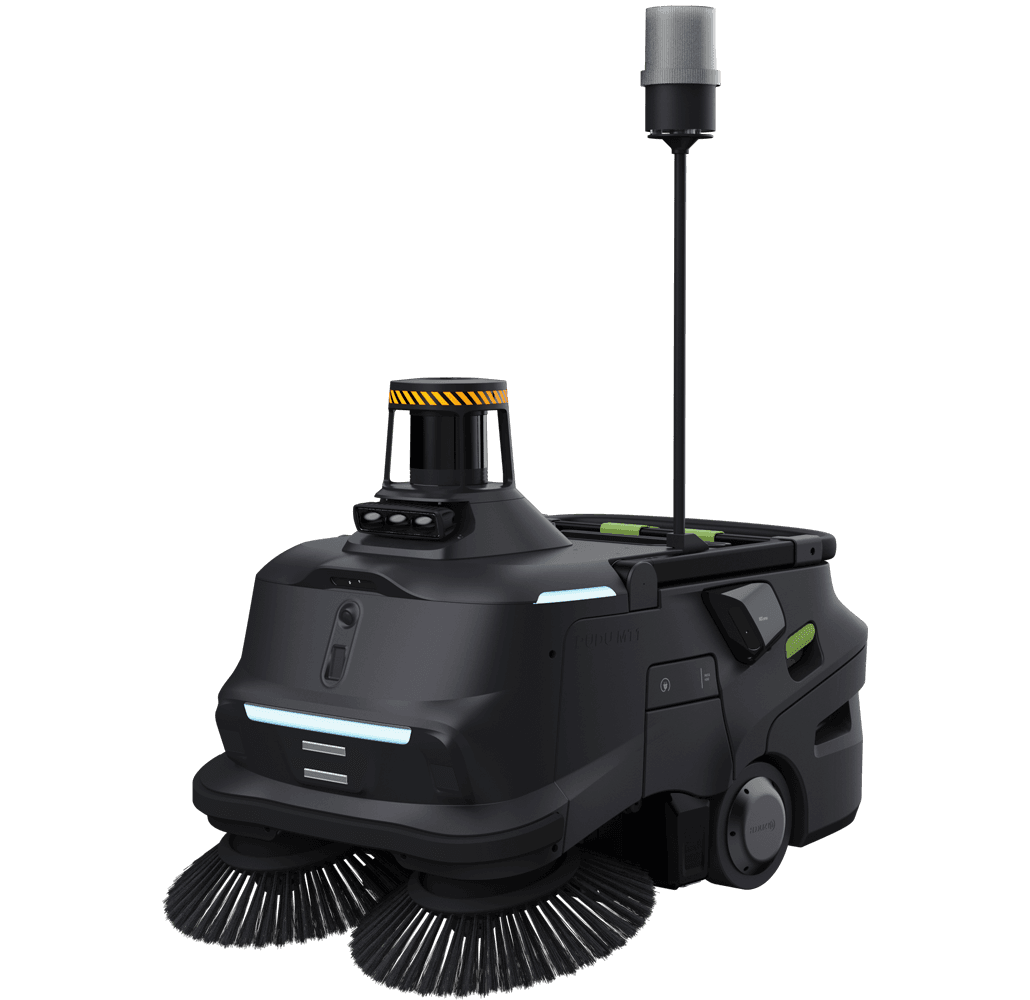
Everyone treats robot charging as a battery-life spec. It's really a floor-planning decision — and it's the one most likely to quietly wreck a fleet's throughput. A PUDU MT1 Max doesn't lose the window because its battery is too small; it loses the window driving to a dock parked in the wrong corner.
The problem isn't the battery — it's the drive to the dock
Three robots, and mid-window each needs a top-up. If the dock is clustered in one back corner, every charge is a long dead-travel round trip and a traffic jam. The fix is spatial, not electrical:
Same robots, same batteries. Moving the dock to the zone centroid — or splitting into two docks — turns dead travel back into cleaning time.
Charge little and often, near the work
The other lever is how you charge. One long charge to full drags the battery through its slow, inefficient extremes and strands the robot far from its next zone. Short opportunity charges keep it in the fast mid-range and close to the work:
Two short top-ups keep the battery in its efficient band and the robot near its next zone — instead of one long charge that parks it for 40 minutes.
Put the dock where the work is
A dock near the middle of the cleaning zones minimises the longest drive-to-charge. On a large industrial floor, that's the difference between finishing and leaving a zone dirty.
The takeaway
Before you argue about battery specs, argue about where the dock goes. Effective runtime — and therefore payback — is set less by the cell chemistry than by the geometry of your floor. Get the dock near the work and charge little and often, and a fleet that "couldn't quite finish" suddenly does.
- Plan dock placement into your fleet with the Fleet & ROI Planner.
- Or tell us about your site and we'll factor it into the layout.
Frequently asked questions
- Where should you place a cleaning robot's charging dock?
- Near the centroid of each cleaning zone, not in a back corner. A central dock cuts dead travel time to and from charge — in practice recovering around 12% of effective runtime, often the margin that lets a fleet finish inside its window.
- How long does a commercial cleaning robot run per charge?
- Typically 3–8 hours of cleaning, model-dependent — a PUDU MT1 Max runs up to ~7 hours, a PUDU CC1 around 5. On long multi-shift days plan a mid-shift top-up, and design dock placement so that charge doesn't strand the machine far from its next zone.
- What is opportunity charging for cleaning robots?
- Short top-up charges between zones rather than one long charge to full. It keeps the battery in its efficient mid-range and keeps the robot near its work, so the fleet spends more of the window cleaning and less parked.
- Does dock placement really affect cleaning-robot ROI?
- Yes. Effective coverage — and therefore labour displaced and payback — scales with time spent cleaning, not driving to a dock. Poor dock siting can quietly cost a fleet 10–15% of its productive runtime.
Machines in this analysis
Full spec sheet and indicative Australian pricing for each.
Related reading
- Industry InsightsThe Fleet-Dashboard Metric Worth A$1,392 a Month Per Cleaning RobotCoverage percentage is a vanity metric. Interventions per robot-hour is the number your ROI is actually computed from — worked through a PUDU MT1 across six distribution depots, plus what to demand from a vendor's fleet software before you sign.
- Case StudyWhat We Learned Deploying Sweepers Across a 40,000 m² WarehouseA composite case study of a six-robot sweeper rollout in a distribution centre — the shortlist on a uniform basis, the payback math, and the operational habits that made it stick.
- Industry InsightsPUDU vs Gausium vs CenoBots: 17 Machines, One Rule, Three Different WinnersWe put every comparably-priced machine in our catalogue on one derated throughput basis and one AUD footing. No brand wins every class — and the assumptions that decide the close calls aren't printed on any spec sheet.
Put these numbers to work
See which robot fits your facility and what it would save you.
Run the Fleet & ROI Planner